










Classes, homework, research, and downtime can keep students moving from one digital screen to another. Hours of close-up focus can lead to digital eye strain, also called computer vision syndrome, with symptoms such as tired eyes, blurred vision, dryness, and headaches. These digital eye strain tips for students can make screen-heavy school days more comfortable.
On This Page
What Is Digital Eye Strain in Students?
Digital eye strain is a group of symptoms linked to prolonged computer, tablet, and phone use. Common symptoms include dry eyes, blurred vision, headaches from screen time, eye fatigue from screens, and neck or shoulder discomfort. Poor lighting, glare, an awkward computer screen position, long periods of near focus, and uncorrected vision problems can all contribute to computer eye strain.
Why Does Digital Eye Strain Increase During the School Year?


Students spend long stretches reading, typing, researching, and attending online lessons. Screen time can continue after class through homework, gaming, streaming, and social media. Fewer breaks and less blinking can add to dry eyes from screen time and eye strain from computer use.
8 Back-to-School Digital Eye Strain Tips for Students
1. Follow the 20-20-20 Rule During Screen Time
The 20-20-20 rule for eyes is simple. Every 20 minutes, look at something about 20 feet away for 20 seconds. Regular distance breaks give the eyes a short rest from close focusing during study sessions.
 |  |  |
2. Set Up an Eye-Friendly Homework and Study Space
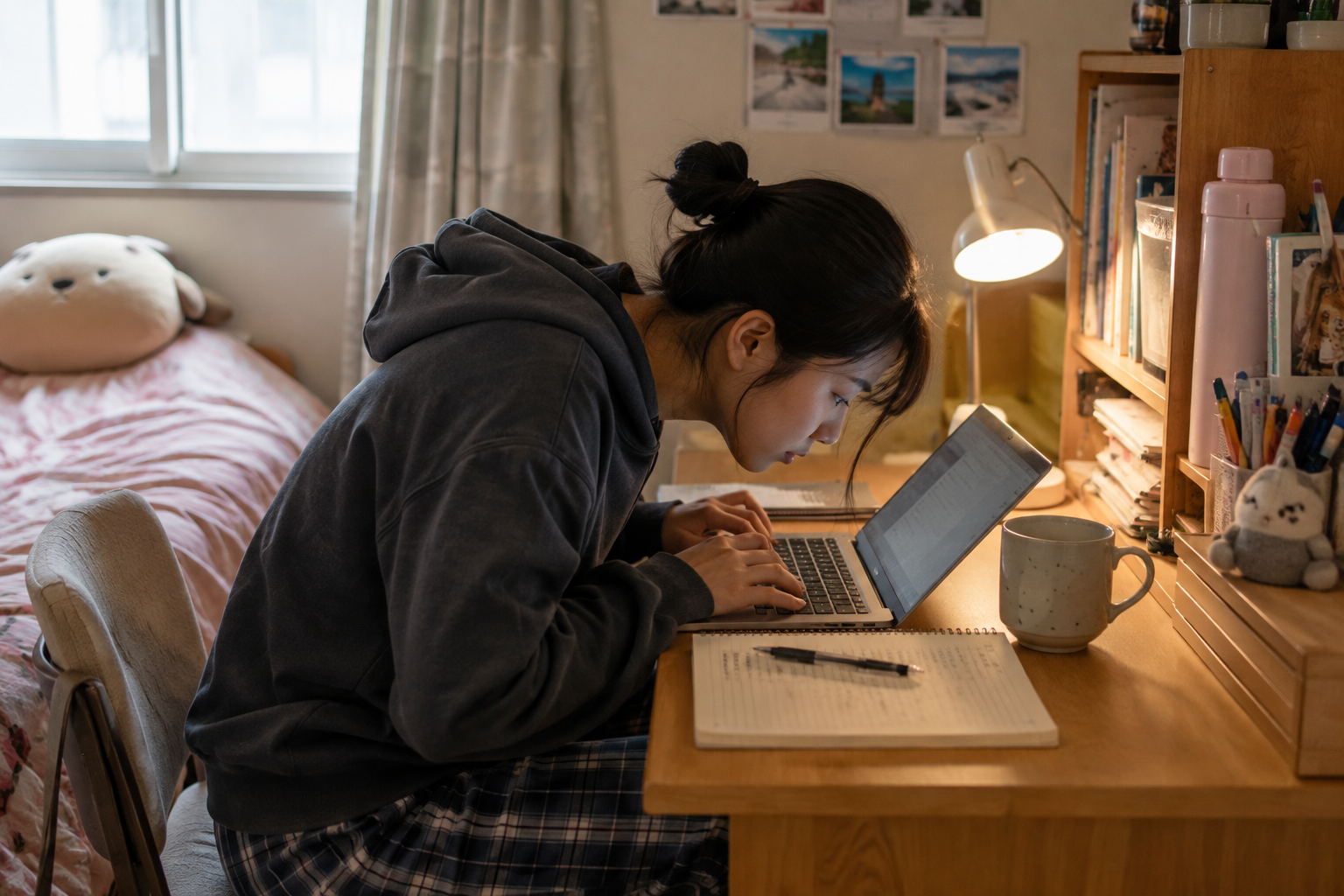
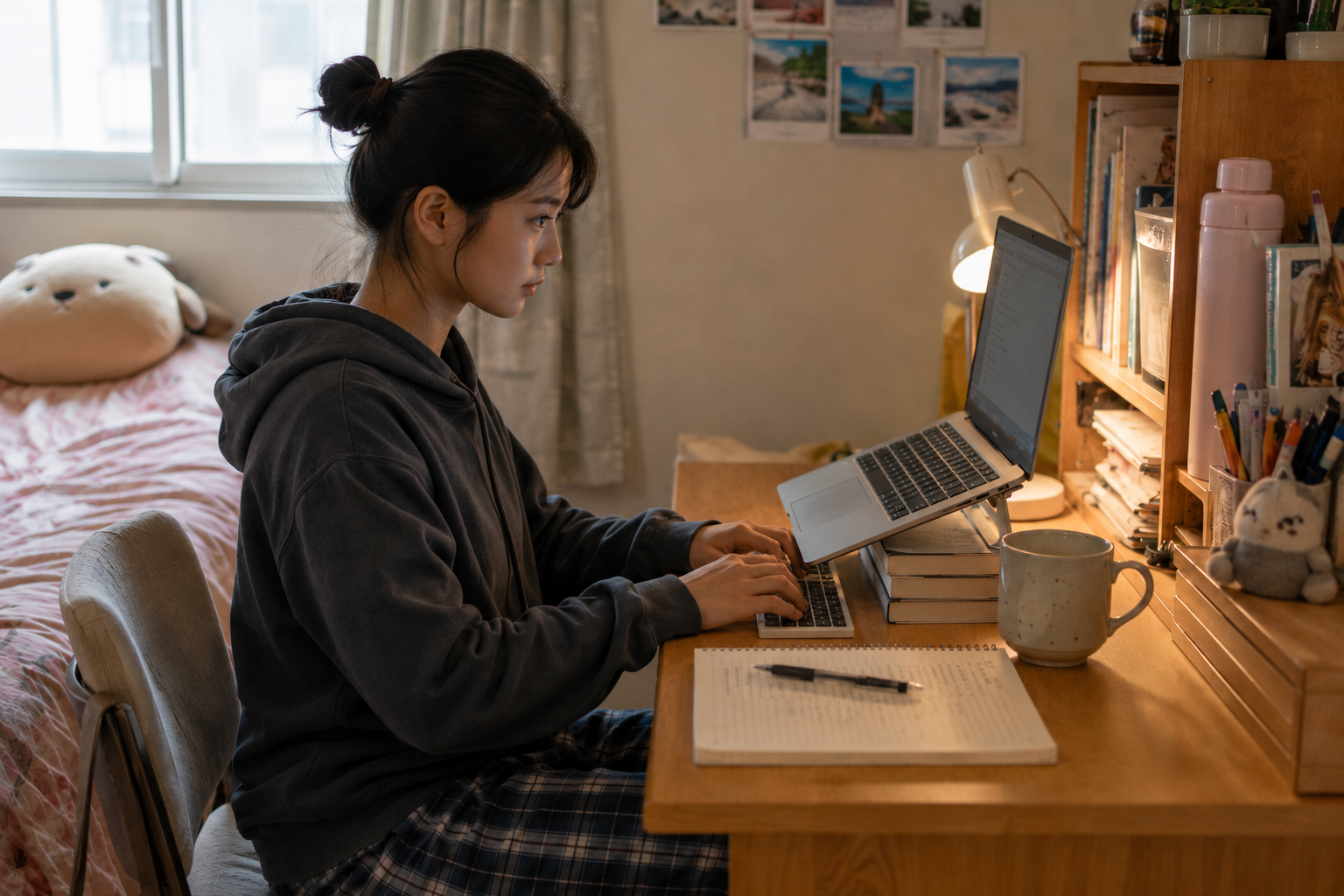
Sit upright with your screen directly in front of you. Keep books, keyboards, and other study materials within easy reach so you are not repeatedly leaning toward the display.
3. Position Screens at a Comfortable Distance and Height
A computer screen should sit roughly 20 to 28 inches from your eyes. Keep the screen at or slightly below eye level and enlarge text rather than moving closer when words are hard to read.
 |  |
4. Adjust Screen Brightness, Text Size, and Display Settings
Match screen brightness to the surrounding room and increase font size when needed. Comfortable contrast and readable text can reduce squinting and unnecessary visual effort during longer assignments.
5. Reduce Screen Glare With Better Room Lighting
Use soft, even lighting for studying. Position lamps and computer screens so windows or overhead lights do not reflect directly on the display. Avoid using a bright screen in an otherwise dark room.
6. Blink More Often to Reduce Screen-Related Dryness
People blink less while concentrating on digital devices. Make a habit of blinking fully during reading, writing, and gaming. Students with persistent dry eyes should ask an eye doctor about appropriate eye care.
7. Take Screen Breaks and Spend More Time Outdoors
Step away from digital devices between classes and assignments. Walk outside, stretch, or switch to an off-screen activity. These breaks give the eyes time away from prolonged near work.
8. Give Your Eyes a Break From Screens Before Bed
Finish required screen work when possible, then reduce recreational device use before sleep. Late-night screen habits can also affect sleep and stress, which are closely connected to overall eye comfort and mental health and eye wellness.
Digital Eye Strain Tips for Students Who Wear Contact Lenses
Contact lens wearers can notice more dryness during long screen sessions. Blink fully, take regular breaks, follow your prescribed wearing schedule, and keep glasses nearby for times when lenses feel uncomfortable. Persistent redness, pain, light sensitivity, or vision changes call for prompt professional eye care.
| 1-DAY ACUVUE MOIST Daily Disposable | DAILIES TOTAL1 Daily Disposable | BIOTRUE ONEDAY Daily Disposable |






When Should Students Get an Eye Exam for Digital Eye Strain?
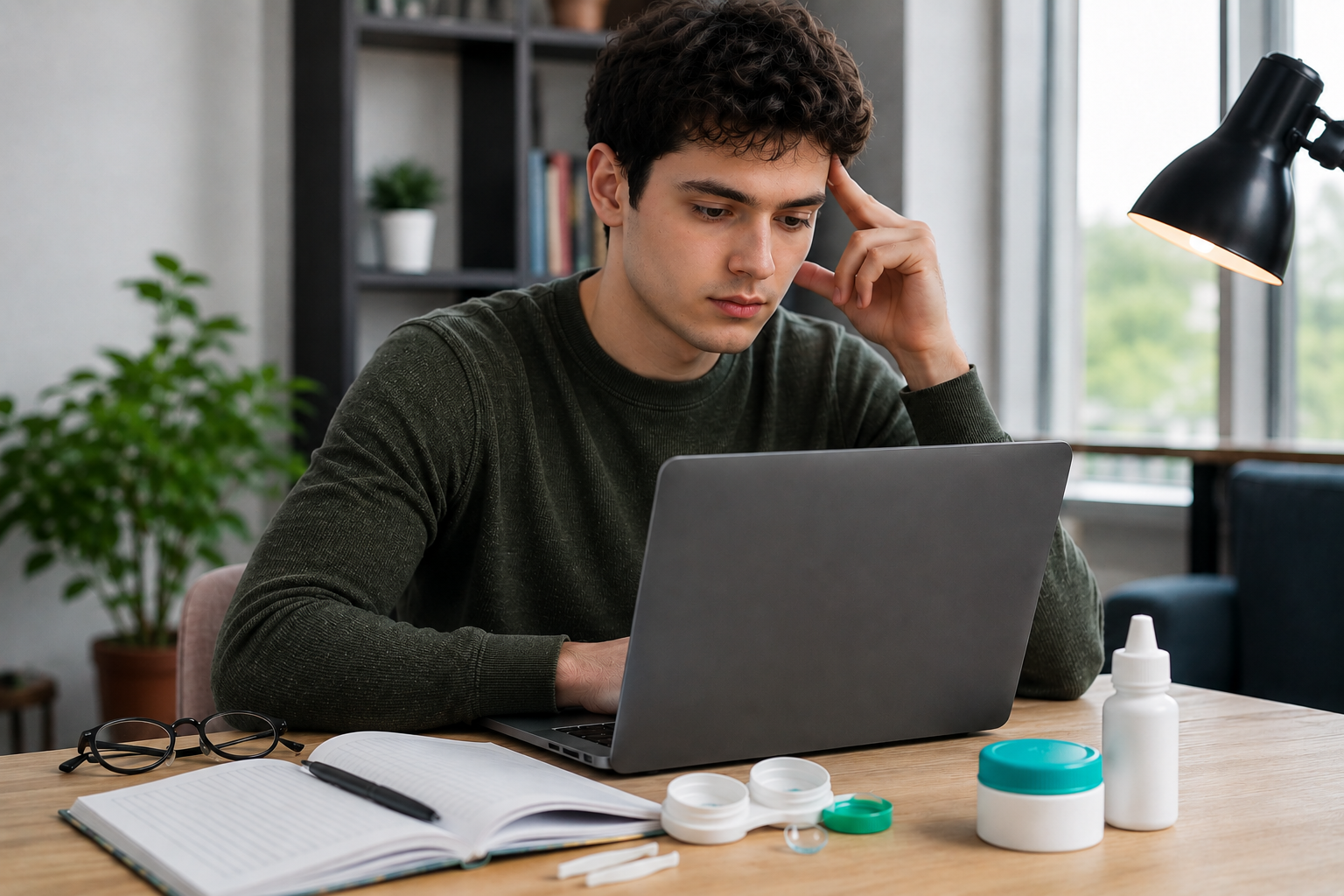
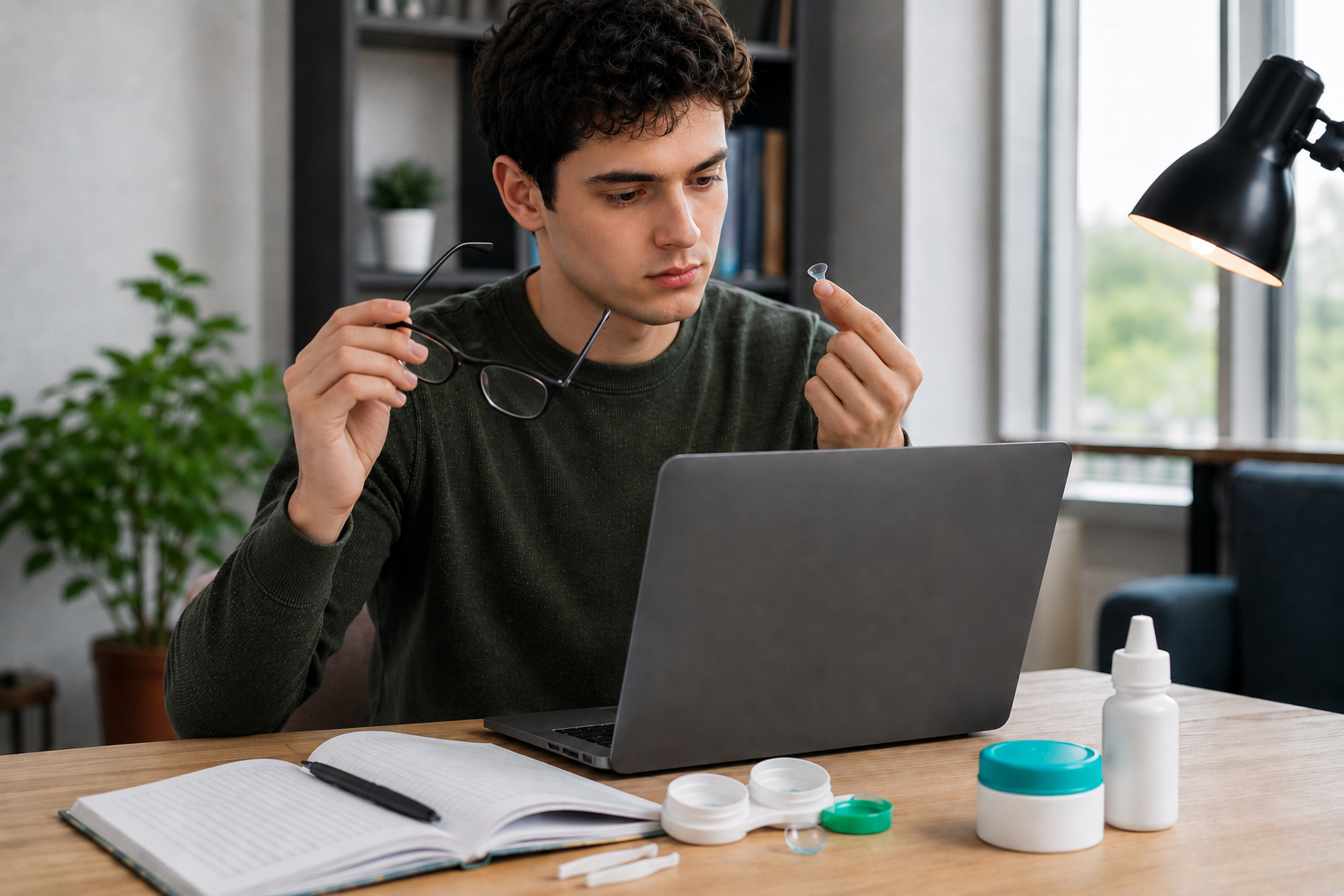
See an eye doctor when symptoms persist, recur frequently, or interfere with reading, classwork, or daily activities. A full eye exam can check for refractive errors, dry eye, or another eye condition that could be contributing to the discomfort.
Back-to-School Eye Health Checklist for Students
FAQs About Digital Eye Strain in Students
Can Too Much Screen Time Cause Headaches and Eye Strain?
How Often Should Students Take Screen Breaks?
Do Blue Light Glasses Help With Digital Eye Strain?

References
5 Ways To Reduce Digital Eye Strain in the Virtual Classroom. https://www.everett-hurite.com/blog/5-ways-to-reduce-digital-eye-strain-in-the-virtual-classroom. Accessed August 17, 2026.
Blue-Light Filtering Spectacle Lenses for Visual Performance, Sleep, and Macular Health in Adults. https://pubmed.ncbi.nlm.nih.gov/37593770/. Accessed August 17, 2026.
Computer Vision Syndrome. https://www.aoa.org/healthy-eyes/eye-and-vision-conditions/computer-vision-syndrome. Accessed August 17, 2026.
Computers, Digital Devices, and Eye Strain. https://www.aao.org/eye-health/tips-prevention/computer-usage. Accessed August 17, 2026.
Digital Devices and Your Eyes. https://www.aao.org/eye-health/tips-prevention/digital-devices-your-eyes. Accessed August 17, 2026.
Eye Strain and Sleepy Eyes, How to Prevent Eye Discomfort. https://www.aao.org/eye-health/diseases/what-is-eye-strain. Accessed August 17, 2026.
Most Americans Experience Digital Eye Strain from Overexposure to Computers, According to Survey. https://www.aoa.org/about-the-aoa/press-room/press-releases/most-americans-experience-digital-eye-strain-from-overexposure-to-computers-according-to-survey. Accessed August 17, 2026.
Tis the Season to be Stuck Inside. https://www.aoa.org/healthy-eyes/caring-for-your-eyes/tis-the-season-to-be-stuck-inside. Accessed August 17, 2026.
Why a Comprehensive Eye Exam Should Be First on Your Back-to-School Checklist. https://www.aoa.org/healthy-eyes/caring-for-your-eyes/back-to-school. Accessed August 17, 2026.